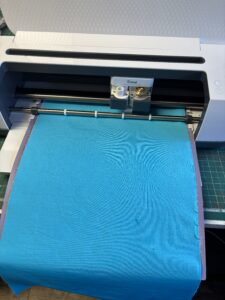
What is a Cricut maker? A Cricut maker is a small machine that cuts out shapes of your choice. There are several machines on the market today that will cut out Lycra, however the one that I am going to talk about is the Cricut maker that I have which is simply called Cricut maker. This version comes with a rotary cutter (essential for cutting fabric).
Im going to get straight to the point in this blog rather than let it drag on and on with boring technical stuff that you can learn as you go along.
When I want to cut a design out I type into google SVG files, lots of images come up so I narrow my search down to exactly what im looking for… lets say leaf for example. Lots of leaves will appear, select one, buy it and download it.
When you get your maker it will come with some easy to instal software… if I can understand it, then you will be able to 🙂
connect your computer to your maker or use bluetooth. upload your pattern, alter the size if you need to and then press make it. Select `lycra ( I select heavy denim and then I select more) as I have used the lycra one and it doesn’t always cut properly. when I select denim it works every time. Make sure you have the rotary cutter in the machine.
Cut out your lycra to the 30cm x 30cm square (this is the size of your mat. However I would purchase the 30cm x 60cm mat as some designs (especially mine need to be longer than 30cm in length). place the lycra on your mat and press go. once it is cut take your mat out and use the design.
Now for my top tips.
the mat will come with some stickiness to it, I didn’t think it was sticky enough after I had used it a few times, so I always spray the mat with 505 Odif 505 Semi-Permanent Spray Glue (500ml) temporary adhesive, this holds the lycra perfectly.
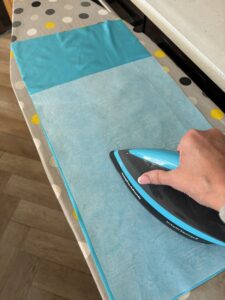
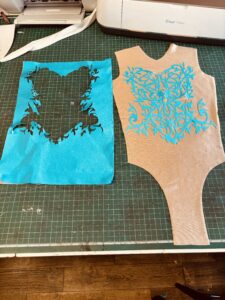
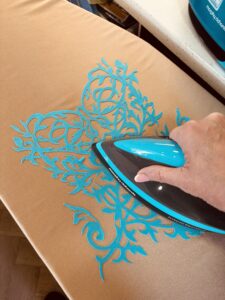
I also iron onto the lycra.. bondaweb before I start as it gives structure to the lycra when cutting, it also allows you to iron your design directly onto your design when you have cut it. I still like to zig zag as well just because I haven’t tested the bondaweb for any length of time, obvs in the future I will change this blog to read my findings once I have tested it properly.
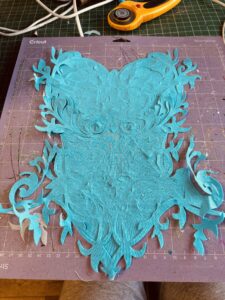
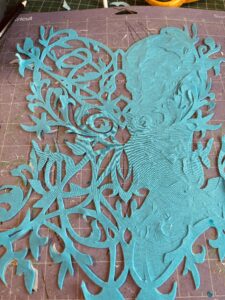
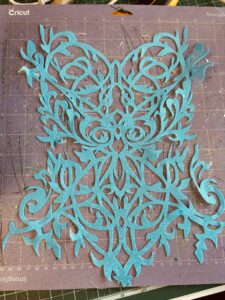
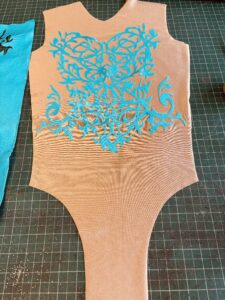
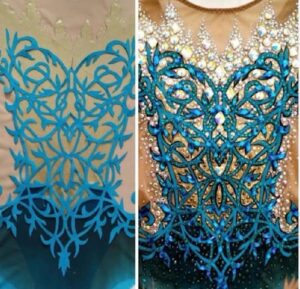
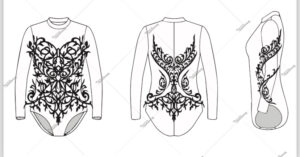
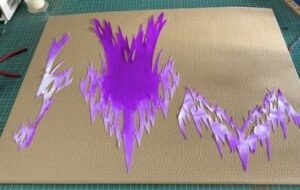
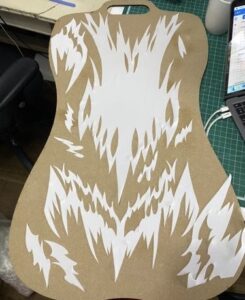
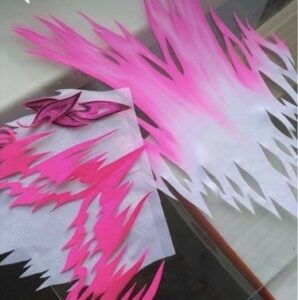
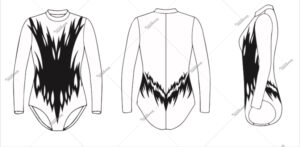
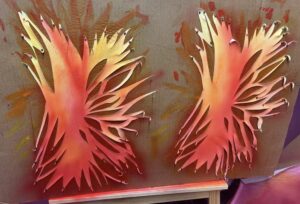
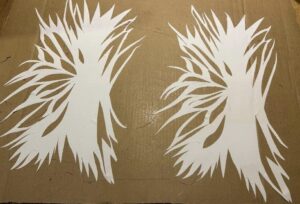
Please see the photos below to show various designs. 2 photos are not mine and for reference only (photo number 1 and photo number 5).
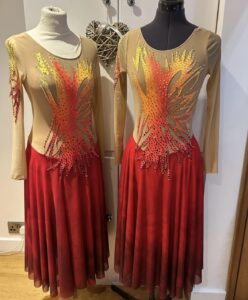
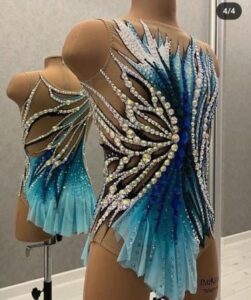
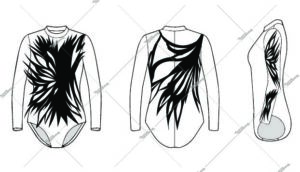 I am putting links to the SVG files that I sell, there are only a few at the moment but im building on them.
hope this helps in your creative journey
Dot xx